Key takeaways
- Match a treadmill model, frame label and manual edition before using setup instructions, with a verification sheet for secondhand machines.
What's inside
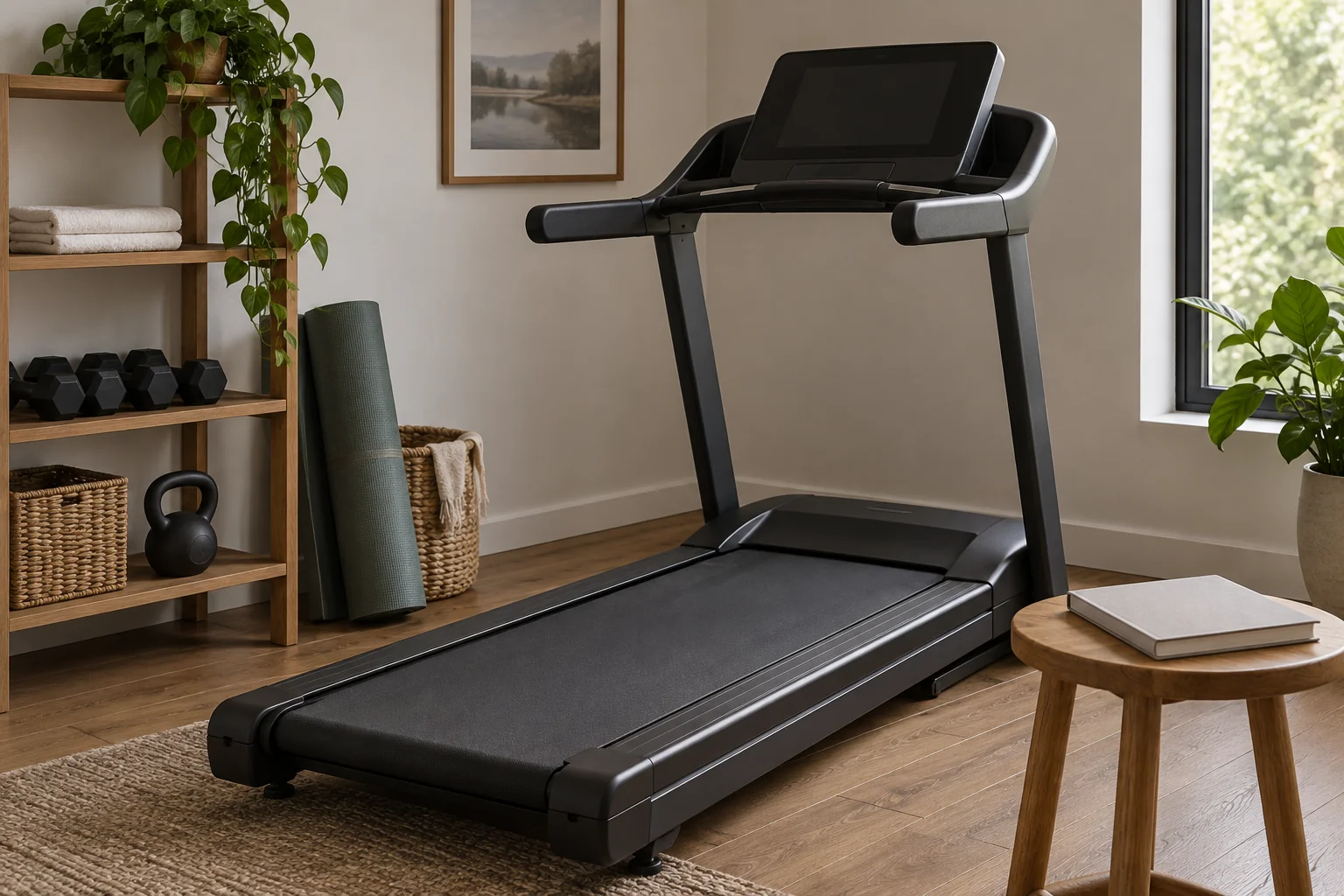
Identify a treadmill by its manufacturer, full model designation and available frame information before downloading instructions. Match those details to the manual’s stated coverage and edition. A familiar console, similar product photograph or shortened model name is not enough to confirm that assembly and maintenance instructions apply.
This process is especially useful for a secondhand machine or a treadmill that has been in storage. It produces a short verification record, separating information you know from information that still needs the manufacturer’s help. It does not require operating, dismantling or tipping the treadmill.
Collect the information already available
Start with the receipt, order confirmation, original manual, registration record and any previous service paperwork. Write the model exactly as shown, including letters, punctuation and suffixes. Keep the purchase date separate from the manufacturing date; a late purchase does not necessarily identify a recent production version.
Note the country where the machine was sold. A manual from another market can describe a similar name while covering different electrical specifications or supplied parts. Use the manufacturer’s support site for the correct region whenever available.
If the treadmill was bought used, ask for documents the previous owner still has. Do not copy another owner’s serial number from a public forum to make a support search work. An unknown field is more useful than a false identifier.
Locate labels without creating a new hazard
Horizon Fitness’s serial-number guidance says its assembly manuals show label locations near the beginning. It also explains that some machines have combined identifiers while others have separate frame and console numbers. Its examples include a frame label near the front elevation rack and a console label on the back cover.
Those are manufacturer examples, not instructions to reach beneath every treadmill. Keep the machine off and follow its shutdown precautions. Photograph only labels you can access safely without removing covers, raising equipment, reaching under a deck or interfering with moving parts. If access requires handling the machine, use the manufacturer’s support or a suitable service provider.
A photograph helps preserve small characters. Transcribe the number twice and compare the two copies, paying attention to similar letters and digits. Store the full serial privately; you do not need to publish it with a general question about a manual.
Compare the manual’s identity, not just its picture
Open the official download page and inspect the document’s cover, applicable-model list and publication details. Some files cover more than one machine. Confirm that yours is explicitly included rather than assuming the closest title is correct.
Record the document filename or title, edition or revision if stated, region and download date. The manual may distinguish an owner’s guide from assembly instructions. Download both when the support page identifies them as relevant; one should not be treated as a replacement for the other.
Use visible features as a secondary consistency check. A clearly different console or adjustment mechanism is a reason to pause, but a matching photograph does not resolve a conflicting model label. Ask support when the identifiers and illustrations disagree.
Copy this manual verification sheet
| Field | Evidence to retain | Unresolved question |
|---|---|---|
| Manufacturer and complete model | Label or original purchase record | Any missing suffix? |
| Frame identifier | Safely obtained label photograph | Readable without moving equipment? |
| Console identifier, if separate | Accessible label or service record | Original or replaced console? |
| Market and electrical information | Machine label and local support page | Correct regional document? |
| Manual title and revision | Official download URL and date | Model explicitly included? |
| Decision | Matched, awaiting support or conflicting | Who will resolve the gap? |
Keep a local copy of the matched document so a changed website does not erase your record. Preserve the original filename where practical and add a short household description separately. Avoid naming a file “correct manual” until the matching steps are complete.
Worked example: a replaced console
Imagine a used treadmill advertised with a shortened model name. Its accessible frame label includes an additional suffix. The console looks like a newer model in an online photograph, and the seller mentions a past console replacement.
The buyer records the frame identifier, the console identifier and the seller’s service note separately. Two official manuals appear plausible, but neither search result alone establishes compatibility. The buyer sends the documented identifiers to the manufacturer’s support team and asks which assembly and user-care instructions apply to this combination.
Until that question is resolved, the record says “awaiting model confirmation.” The buyer does not combine the assembly steps from one manual with the settings from another. This example is a documentation workflow, not a claim that a replaced console is compatible or incompatible.
Use the verified manual within its scope
Once identified, use the exact instructions for placement, electrical supply, setup and maintenance. Do not borrow a clearance, lubricant recommendation or reset sequence from a different model. If a procedure is assigned to service personnel, identifying the manual does not turn it into a household task.
Recheck the record after a documented component replacement or when the maker issues updated instructions. Save the support response with the manual rather than relying on memory. A verified identity record makes later questions clearer and reduces the chance of following confident instructions for the wrong treadmill.