Key takeaways
- Create repeatable group-viewing and headphone modes, checking model-specific audio behavior and the handoff to the next household user.
What's inside
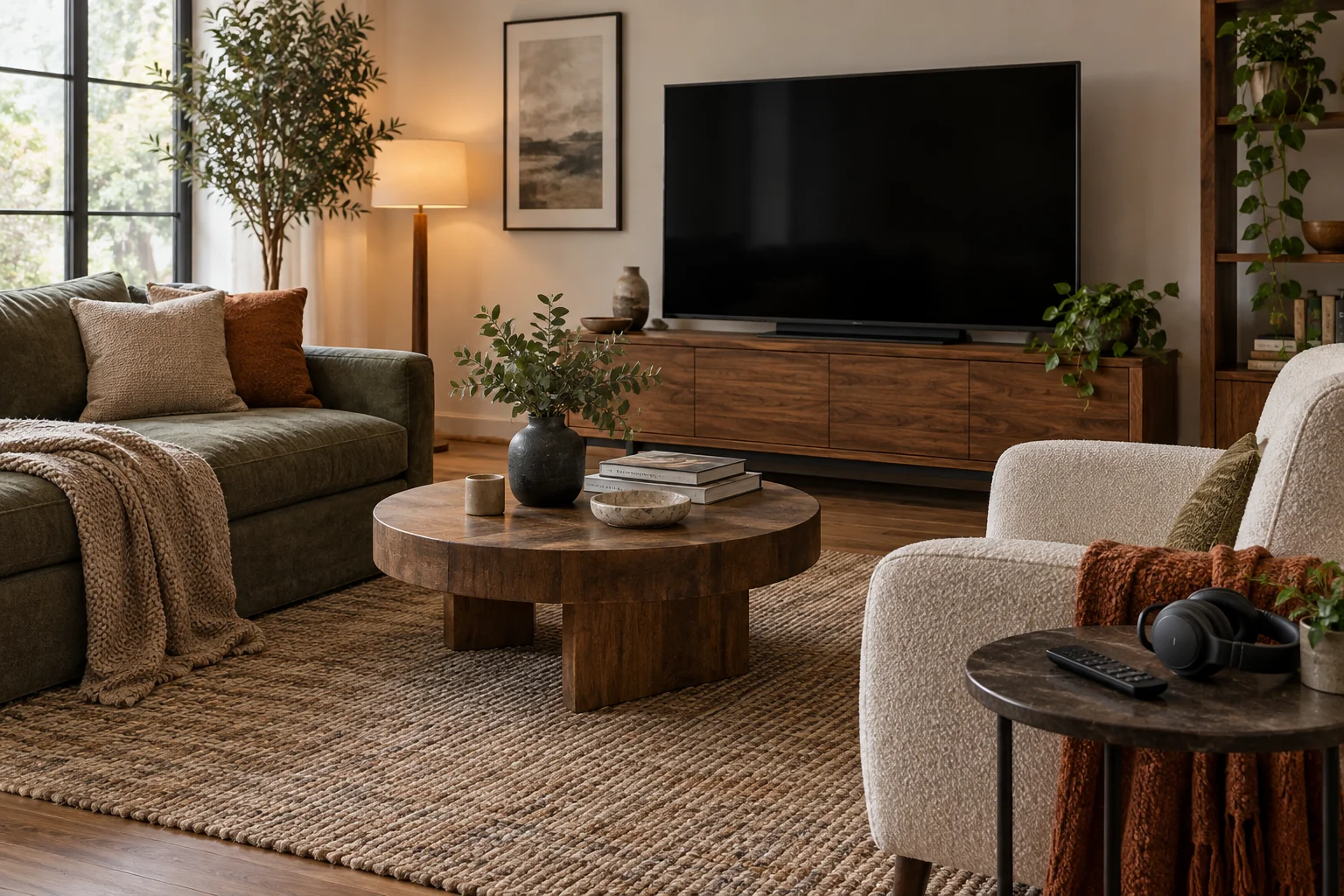
Plan a shared television room around a small number of repeatable operating modes: group viewing, individual listening and the room’s non-TV use. Record the sound output, controls and reset steps for each mode. This is more useful than assuming everyone will remember which setting the last person changed.
The aim is an understandable household handoff, not guaranteed quiet or soundproofing. Headphones, captions and speaker settings can offer options, but compatibility and behavior depend on the actual television, accessories and content source.
Define the modes people actually use
Ask the household to name the common situations rather than every possible activity. “Two people watching a film,” “one person watching while another reads” and “television off for conversation” are useful modes. Record whether everyone needs the screen, whether anyone needs spoken audio and whether a different room or time is sometimes preferable.
Give each mode a plain name and an agreed starting state. For group viewing, that may mean the normal speakers and shared remote. For individual listening, it may mean a confirmed compatible headset with speakers intentionally muted. Do not assume connecting headphones automatically produces the desired result.
Keep the plan voluntary and practical. It should describe how to operate the room, not assign one person’s needs permanent priority. If two routines cannot coexist comfortably, a time agreement can be clearer than purchasing equipment that does not solve the conflict.
Verify audio behavior for the exact equipment
Write the TV model and the audio accessories you already own. Find the official instructions for the relevant output mode, including any restrictions. A Bluetooth logo alone does not establish simultaneous speaker and headphone output.
Sony’s simultaneous-audio guidance explicitly varies by model. Its section for BRAVIA 8 II, 5, 9, 8, 7 and A95L series describes simultaneous output and separate speaker/headphone volume adjustment; other listed groups have different methods and restrictions. Use the section for your exact model rather than copying a setting sequence from another group.
Record what actually happens when the accessory connects, disconnects or loses power. Does sound return to the room speakers? Does the volume remain where the last user left it? Establish the answer using normal supported controls before calling the mode ready for shared use.
Create an operating-mode card
| Mode | Intended audio | Controls to confirm | Handoff step |
|---|---|---|---|
| Group viewing | Agreed room speakers | Selected input and output; ordinary starting volume | Return remote to its place |
| Individual listening | Confirmed compatible headphones | Whether room speakers are muted; accessory connection | Check output before removing headphones |
| Mixed listening | Only if the exact setup supports it | Separate levels and supported connection method | Restore agreed shared mode |
| TV off | No program audio intended | Normal shutdown of relevant equipment | Store controls and accessories |
Keep this card short enough to use. Put detailed model numbers and support links in a separate household record. Do not write account passwords or private viewing information on a card visible to guests.
Test transitions, not just the successful starting state
A mode that works when first configured can still confuse the next person. Try the transition from group viewing to headphones and back, following the equipment instructions. Include the normal streaming box or game console if that is what the household actually uses.
Start listening at a comfortable low level and adjust normally; do not use a high-volume test to prove an output is active. If sound unexpectedly returns to the room, note the transition that caused it and revise the handoff. This is an operating check, not a hearing or acoustic assessment.
If captions are part of a preferred mode, check them in the actual service or source. Their availability and controls can differ. Record the supported path without promising that every program, input or application provides the same options.
Give accessories an accessible home
Choose a place for the remote, headset and any approved charging accessories that does not block equipment ventilation or the route through the room. A headset left under a cushion is hard to find and can make the intended individual-listening mode inconvenient.
Keep wired connections out of walking paths. Do not move a seat farther away than its cable arrangement safely permits or improvise an extension to satisfy a layout sketch. Follow the equipment’s charging and storage instructions, and treat a depleted battery as a normal planning case with an agreed alternative.
Retain the TV’s required support and anchoring. The mode plan should not require moving the television or reaching behind a heavy cabinet every evening. If the setup is that awkward, simplify the supported configuration or seek appropriate installation help.
Worked example: the handoff is the missing step
In this fictional household, one person watches late with compatible headphones while another uses the room earlier with speakers. The headphones work, but disconnecting them sometimes restores speaker output at an unexpected level. The original instruction, “just use the headset,” does not cover that transition.
The household checks the exact equipment guidance and writes a short shutdown sequence using its supported controls. Before removing the headset, the user confirms the intended output state and ends playback. The next viewer begins from the agreed group-viewing state rather than guessing why the room is silent.
The household also records an alternative when the headset is unavailable: use another time or room. It does not assume a replacement accessory will behave identically or that headphones make conversation, bright images and other activity invisible to everyone nearby.
Review after an equipment or routine change
Recheck the card after a software change affects menus, a new audio device arrives or the household’s routines change. Keep only modes people use and can reproduce. A shared television room works better when each transition has a clear owner and the next person receives a predictable starting point.