Key takeaways
- Build a model-specific gym inspection log that records observed condition, unresolved issues, support actions and documented closure.
What's inside
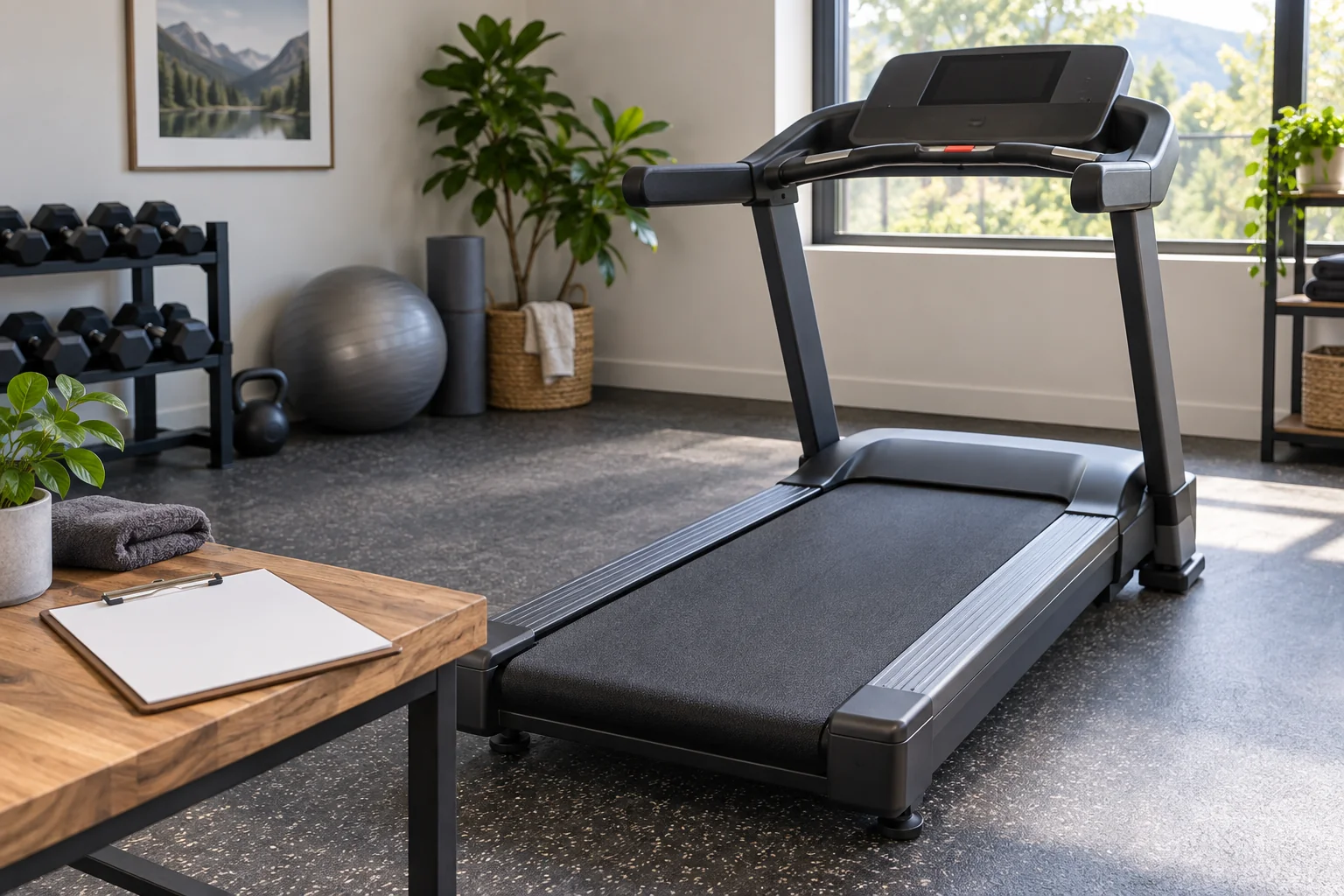
A useful home-gym inspection log identifies the exact equipment, names the check required by its instructions, records what was observed and leaves a clear action for anything unresolved. A row marked “checked” is too vague if nobody can tell whether it refers to the power cord, a locking pin or the condition of a resistance band.
Build the log around the equipment you own. This is a record-keeping method, not a universal service schedule, repair procedure or certification that a machine is safe.
Give each item a short identity card
Record the manufacturer, full model, serial number where available and the location of its manual. Keep serial information in a private household record. Add the manual version or date and the support contact. If two machines share a similar name, the identifying details prevent someone from copying instructions from the wrong generation.
Separate the equipment inventory from the inspection entries. The identity card changes rarely; the inspection log grows with each observation. Use a short equipment code such as T01 to connect them. For several identical-looking bands or accessories, identify individual items only where practical and appropriate to their instructions.
Do not invent an inspection interval to fill an empty field. Write “schedule not yet confirmed” and retrieve the correct instructions. A purchase receipt can identify the product but is not itself a maintenance manual.
Translate instructions into observable tasks
Horizon’s treadmill maintenance guidance includes inspecting the power cord after use and contacting Horizon if it is damaged. It also separates tasks by frequency and specifies switching off and unplugging before the listed maintenance work. This provides an example of a task, trigger and response that can be recorded distinctly. It is not a schedule for every treadmill or other gym machine.
For your model, copy the task meaning into a short row and retain a reference to the exact manual section. Separate visual observations from adjustments, servicing and tests that require a specified procedure. Do not convert a technical service instruction into a casual household checklist item merely because the manual mentions it.
Use clear outcomes: “observed as described,” “issue found,” “not checked” and “not applicable with reason.” An unchecked box should remain visibly incomplete. Avoid a green overall result when a required item has not been examined.
| Field | Entry | Purpose |
|---|---|---|
| Equipment | Code and exact model | Links to the correct instructions |
| Task and trigger | Manual section; when required | Avoids a guessed schedule |
| Date and observer | Actual completion details | Shows who recorded the observation |
| Finding | Specific condition or not checked | Preserves the unresolved issue |
| Use status | Available or withheld pending action | Communicates with other users |
| Next action | Owner, support reference, follow-up | Prevents a note being forgotten |
| Closure evidence | Service record or confirmed instruction | Explains why the issue was closed |
Describe findings without diagnosing them
Write what you can actually observe: “outer cord covering visibly damaged near the plug” is more useful than “electrical fault probably minor.” Do not open a cover or operate a suspect machine simply to produce a more detailed entry. Follow the manufacturer’s stop-use and support directions.
A photograph can show an accessible issue, but it does not replace inspection by an appropriate professional when required. Keep the equipment stationary and in the prescribed condition while documenting it. Avoid placing a clipboard, phone or loose papers on a moving belt or in a mechanism.
If a machine makes an unfamiliar noise, record when it was noticed and any displayed message without trying repeated runs to force the symptom. Leave diagnosis and repair to the appropriate instructions or service route. “Could not reproduce” is not the same as a documented resolution.
Worked example: a finding stays open
In a fictional shared gym, T01’s cord check records visible damage. The observer marks the equipment unavailable, follows its instructions for taking it out of use and contacts manufacturer support. The log records the contact date and reference, while a clear notice prevents another household member from treating the treadmill as ready.
A support reply arrives, but the instructed service has not yet happened. The status remains open. After the appropriate service is completed, the responsible person records the service reference and any prescribed return-to-use checks. The row is closed only when those requirements have been satisfied.
This example demonstrates tracking, not a repair method. It does not recommend taping a cord, substituting a component or using a machine while waiting for a response. A neat log cannot make a damaged part acceptable.
Keep routine reminders and open issues separate
Use one view for the next scheduled tasks and another for unresolved findings. Otherwise a recurring monthly reminder can obscure a more urgent open issue. Assign each follow-up to a person who can contact support or arrange service, rather than to an unspecified “someone.”
Review the identity card when equipment is moved, replaced or supplied with revised instructions. If the manufacturer issues a notice relevant to the exact model, retain it with the record and follow its directions. Keep completed entries instead of overwriting them with the latest “okay.”
The finished system should let another authorized user answer three questions quickly: which equipment is this, what remains unresolved, and who is handling it? That is the practical value of the log, even in a gym with only a few items.