Key takeaways
- Map household devices, verified chargers and cable routes with an open charging-area worksheet and a clearly illustrative example.
What's inside
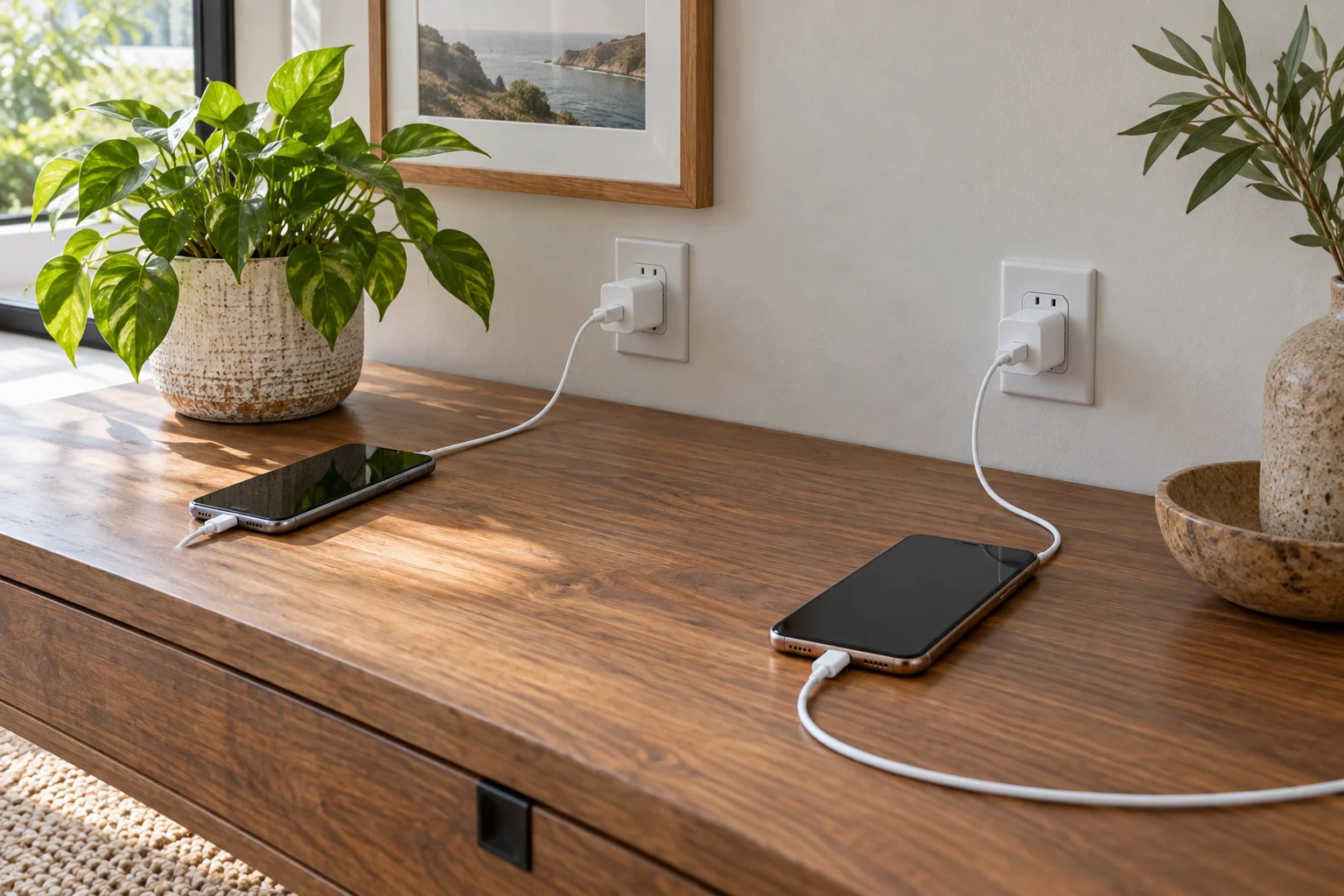
A shared charging spot works best when each device has a known position, a compatible charger and a cable route that stays off the walking path. Start with an equipment inventory, then choose an open, suitable location and agree who returns each cable. Buying a larger cable box does not solve unidentified adapters or a location that conflicts with the equipment instructions.
This guide organizes household devices and their ordinary charging accessories. It does not determine a circuit’s capacity, approve electrical alterations or make an unknown charger compatible. Use the instructions for each device and its approved charging equipment.
List devices before choosing an organizer
Gather the devices that genuinely need this shared location: perhaps two phones and a tablet, rather than every cable in the house. Record the device model, owner or agreed user, charger model and cable type. Keep personal information off labels if visitors can see the area.
A connector that physically fits is not the whole compatibility check. Verify the charging combination against the device and accessory guidance. Put unidentified, damaged or questionable accessories aside for identification or appropriate replacement instead of assigning them a permanent position in the shared setup.
Separate devices needed at the same time from those that can charge elsewhere. A household may need an overnight phone position and an occasional tablet position, not a permanently occupied space for every item. That distinction reduces clutter without assuming any particular charging schedule suits every device.
Choose the surface using the equipment rules
Look for an accessible location where the devices and adapters can be positioned as their instructions require. Avoid designing the arrangement around concealment first. A closed decorative box may hide cables but also make it harder to see damage, identify a charger or provide the space the equipment needs.
Apple’s power-adapter guidance calls for well-ventilated use, warns against charging where moisture is present, and says to stop using damaged adapters or cables. It also advises disconnecting by the connector rather than pulling the cable. Those instructions support an open, visible arrangement for the covered equipment; check other manufacturers’ requirements separately.
Check what happens around the surface: drinks placed nearby, curtains moving across it, drawers closing and bags being dropped. Do not turn the charging area into a landing spot for damp umbrellas or laundry. If normal household behavior repeatedly covers the equipment, choose another location.
Map positions and cables together
| Device | Verified charging combination | Assigned position | Cable path | Household rule |
|---|---|---|---|---|
| Phone A | Record exact adapter and cable | Left position | Stays on the surface, away from edges | Return its cable here |
| Phone B | Record independently | Right position | Does not cross Phone A’s route | Do not borrow an unidentified replacement |
| Shared tablet | Check its own requirements | Separate suitable position when needed | No hanging loop in a walking path | Store after use |
| Unknown accessory | Unverified | None | Not connected | Identify before use |
The left and right positions are organizational choices, not electrical specifications. Keep whatever spacing, ventilation and support the equipment instructions require. If the available surface cannot accommodate those requirements, reduce the equipment there or select a different location.
Remove loose-cord problems without hiding them
Follow each cable from adapter to device. Look for a path across a doorway, a loop hanging below the table, a pinch point behind furniture or a section pulled tight when the device is picked up. Revise the layout rather than relying on everyone stepping over a cord.
Leave practical access to connectors so users can disconnect them normally. Do not bind adapters together or wrap powered equipment in fabric to make the arrangement look neat. Follow accessory instructions for any cable-retaining product, and avoid a solution that crushes, sharply bends or conceals a damaged cable.
Before buying a cable organizer, try the layout with devices disconnected. Place each device where it will actually rest and simulate picking it up and returning it. This shows whether the proposed route is awkward without treating a photograph of tidy cords as proof the setup works.
Worked example: three devices on a shared side table
In a fictional household, two phones and a tablet use a side table near the living-room entrance. The original arrangement has three unidentified cables, one hanging into the walkway and a stack of magazines covering adapters. The household first identifies the correct charging accessories and moves the magazines elsewhere.
Each phone receives a defined position and its own documented cable. The tablet uses a separate suitable position only when needed. The layout is rejected if that position would cover an adapter or cross the entrance route. Nothing in this example calculates how many devices an outlet or circuit can support.
The household chooses a simple rule: anyone taking a cable away returns it to its assigned position, and an unfamiliar replacement is checked before connection. A small private inventory records model details; visible labels use neutral names rather than personal account information.
Agree on a short reset routine
When the surface is cleared, check for damaged accessories, spills, trapped cables and objects covering the equipment. Stop using anything damaged and follow the manufacturer’s replacement or service guidance. Tidying is not a repair.
Revisit the inventory when a new device arrives. Do not assume its charger belongs in the old position simply because the plug looks similar. A successful shared charging spot makes the correct equipment easy to identify and keeps the normal pick-up, return and disconnect movements uncomplicated.